Provisioning Ubuntu 22.04 for Enterprise NVIDIA GPUs
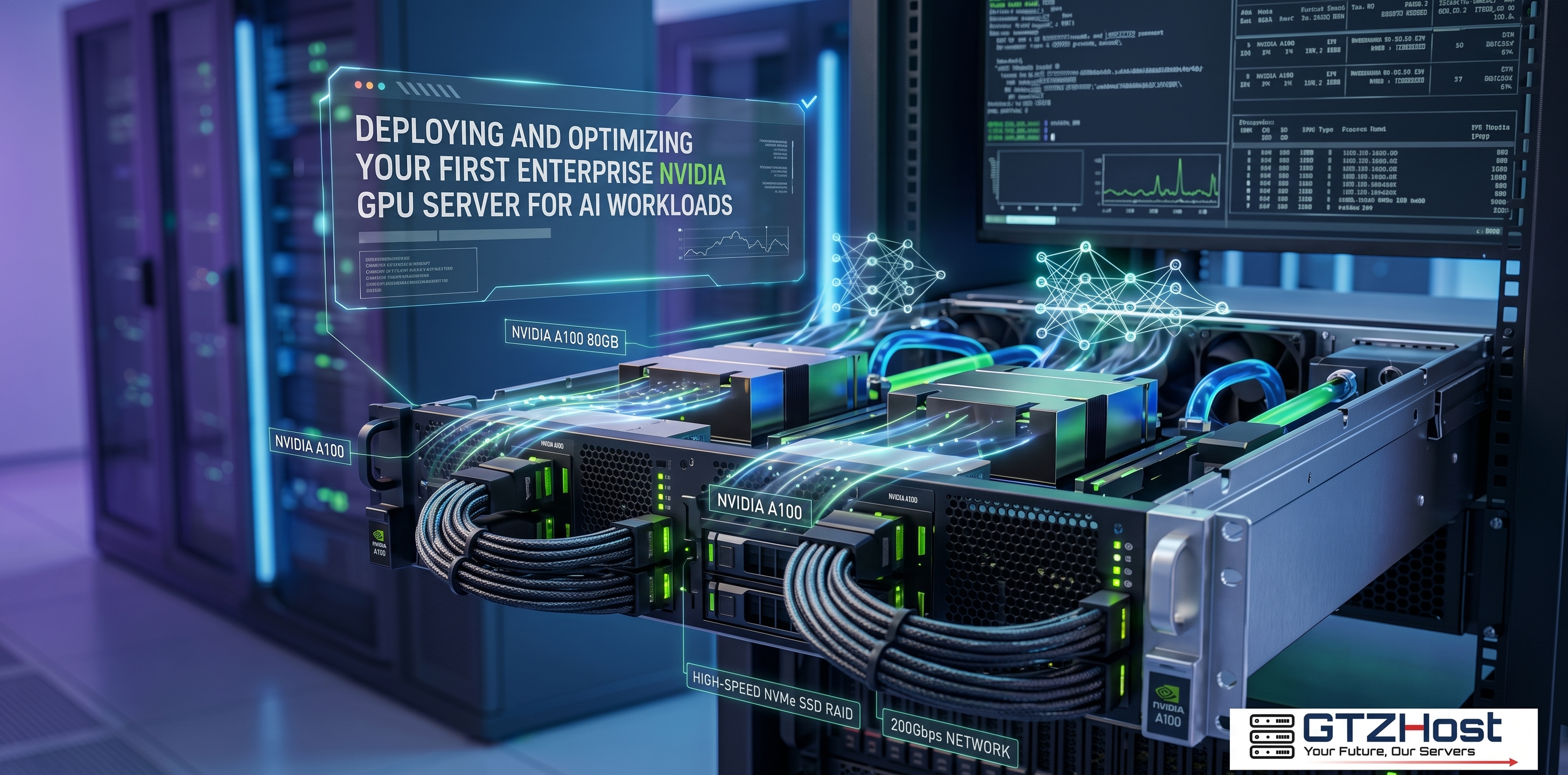
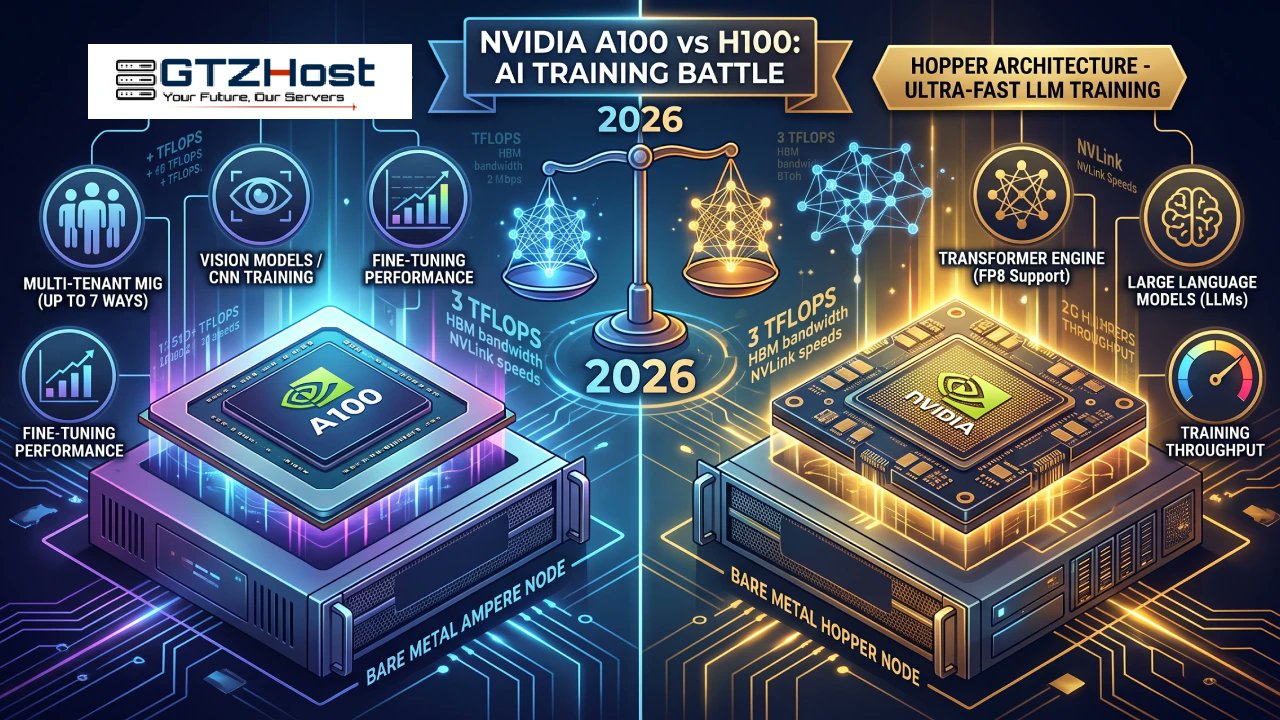
When deploying infrastructure for Machine Learning or LLM training, developers must configure the OS properly to ensure frameworks like PyTorch can interact directly with the GPU's Tensor cores. Deploying on bare-metal gpu servers eliminates hypervisor overhead, but it requires manual driver compilation.
Here is a technical walkthrough for configuring a fresh Ubuntu 22.04 LTS installation.
Step 1: Environment and Header Preparation
Before interacting with proprietary drivers, the kernel and package lists must be synchronized to prevent dependency conflicts. The NVIDIA CUDA toolkit also requires specific build environments to compile modules directly into the Linux kernel.
You must install the build-essential package alongside the headers that match your exact kernel version.
sudo apt update && sudo apt upgrade -y
sudo apt install build-essential linux-headers-$(uname -r) -y
Step 2: Proprietary Driver Compilation
Unlike basic display drivers (nouveau), enterprise workloads require NVIDIA's proprietary closed-source drivers. Utilize the Ubuntu driver manager to query the PCI bus and list compatible drivers:
Bash
ubuntu-drivers devices
Identify the package marked as recommended and install it via apt (for example, version 535). A system reboot is mandatory at this stage to apply the kernel-level changes.
Bash
sudo apt install nvidia-driver-535 -y
sudo reboot
Step 3: Validating the Tensor Compute Environment
Upon reconnecting via SSH, execute the System Management Interface tool to verify that the OS is communicating with the hardware.
Bash
nvidia-smi
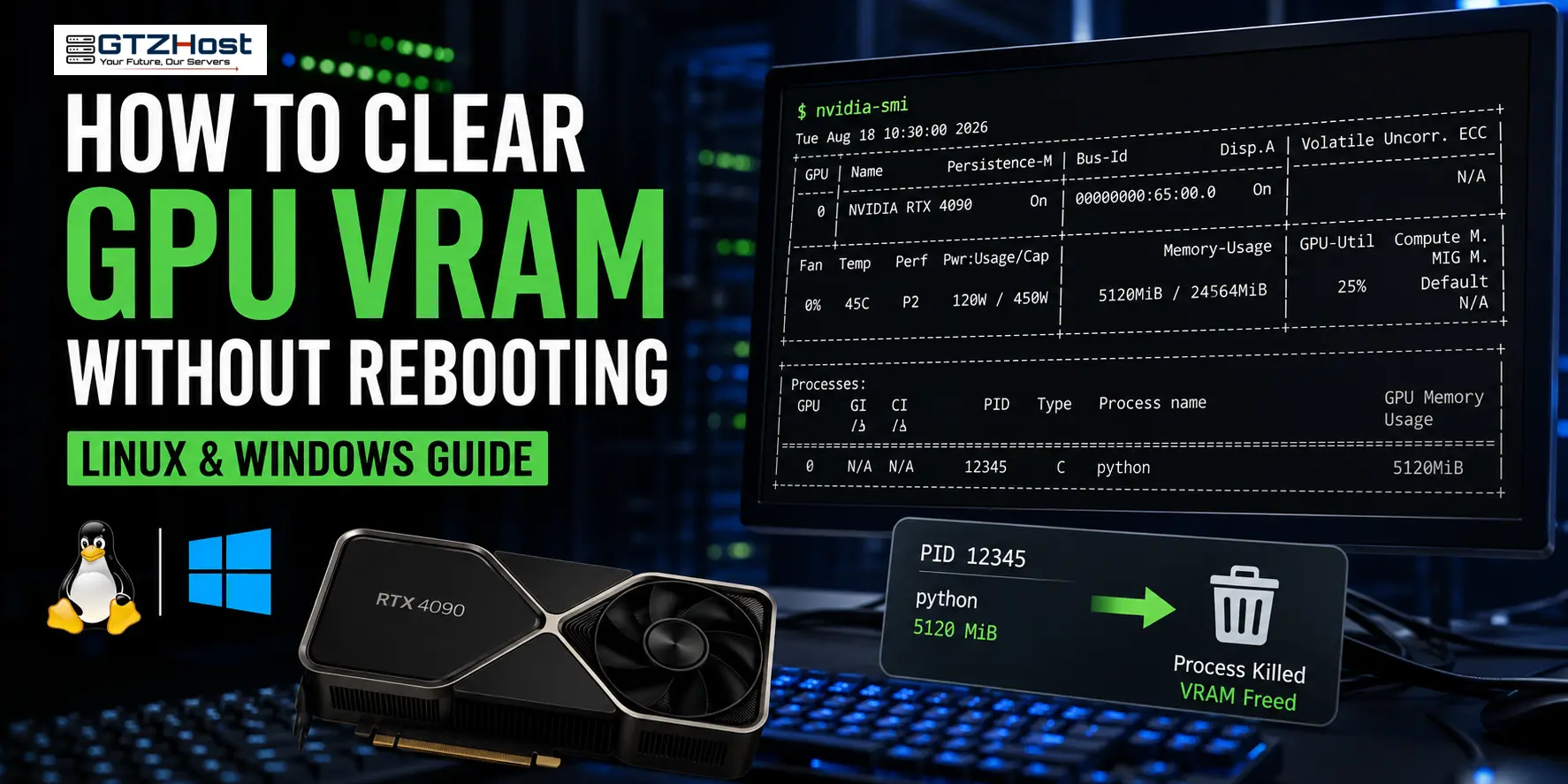
This utility will output a table detailing the attached GPU architecture, VRAM utilization, current thermal metrics, and the maximum supported CUDA version. If this table renders successfully, the environment is ready for Docker or NVIDIA-container-toolkit installation.
To maximize I/O throughput during training, ensure your datasets are stored on NVMe RAID arrays rather than standard SSDs.
What specific AI frameworks are you planning to run on your newly provisioned hardware?