Systems Engineering: Reclaiming GPU VRAM Without System Reboots
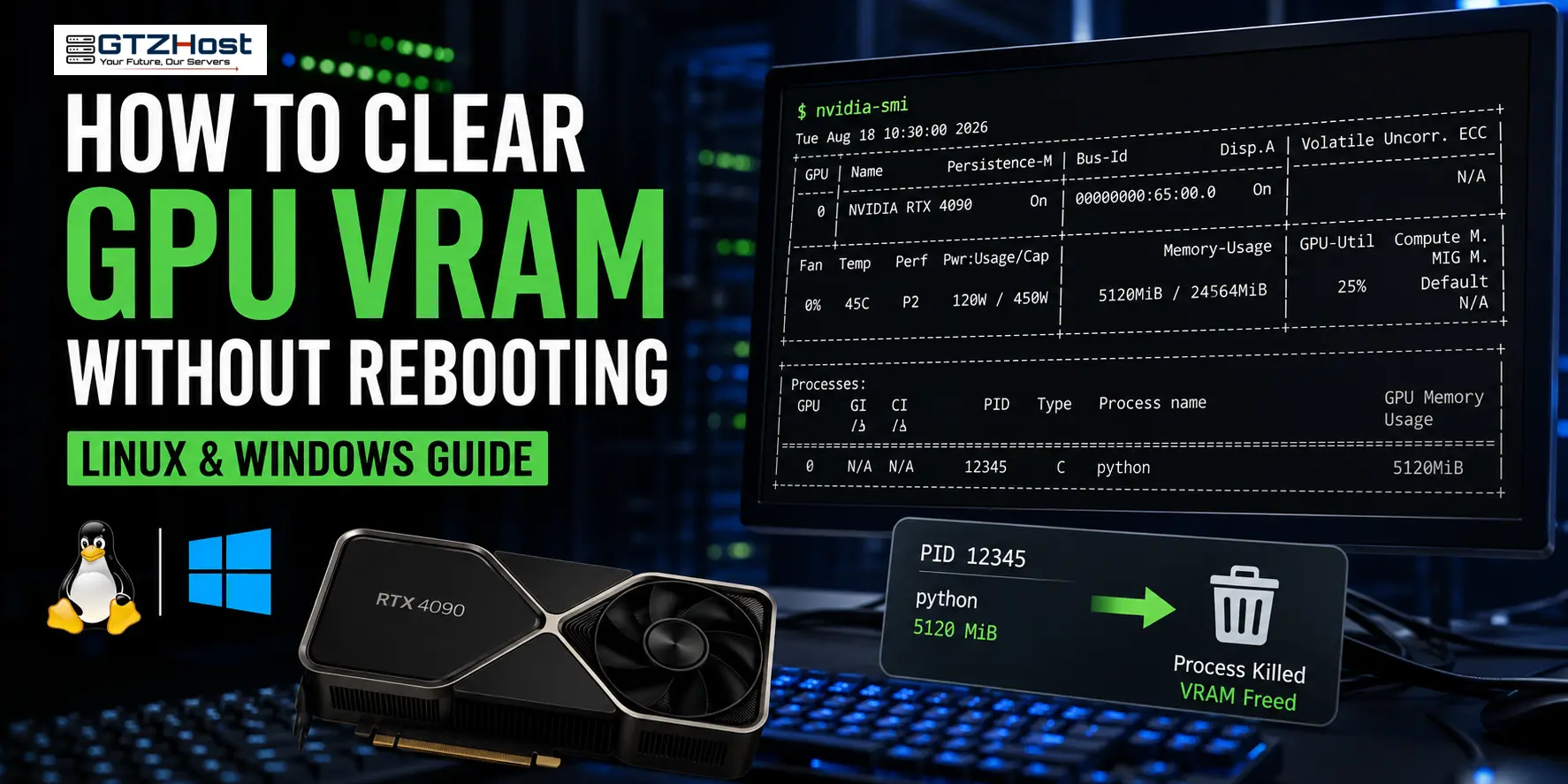
In high-throughput machine learning environments, a panicked SIGKILL or uncaught exception in a distributed training script frequently results in an orphaned graphics context. The NVIDIA driver fails to release the allocated framebuffer, resulting in a persistent Out-Of-Memory (OOM) state that blocks subsequent CUDA context creation.
Rebooting the host node is highly disruptive—especially on multi-tenant or shared production systems. Here are the precise engineering workflows to reclaim VRAM programmatically on Linux without touching the rest of the OS.
1. Orphaned Process Identification and Termination
The first step is querying the NVML API via nvidia-smi to locate the Process ID (PID) holding the framebuffer memory.
nvidia-smi
Look at the Processes section at the bottom of the output. If your script crashed but the process lingering in the background is still holding VRAM, terminate it directly:Bashsudo kill -9 Note: Use SIGKILL (-9) if a standard SIGTERM (-15) fails to release the memory map due to a hung driver thread.2. Programmatic Cache Invalidation (PyTorch/CUDA)Deep learning frameworks like PyTorch implement custom memory allocators to avoid the latency overhead of frequent cudaMalloc calls. As a result, a "full" GPU shown in your application logs might simply be cached memory held by PyTorch's memory pool rather than an active leak.To invalidate the allocator pool inside your Python environment:Pythonimport gc import torch
Unbind unreferenced tensor variables
del model, optimizer
Force Python garbage collection
gc.collect()
Return cached memory back to the OS
torch.cuda.empty_cache() 3. Live Hardware Device ResetIf nvidia-smi reports no active processes holding memory, but VRAM remains 100% full or the GPU enters an unresponsive state, you can issue a live device reset without rebooting the host OS:Bashsudo nvidia-smi --gpu-reset -i 0 (Replace 0 with your target GPU index).Pre-requisite: The --gpu-reset flag will only execute if all processes attached to that specific GPU have been terminated.4. Advanced: PCIe Bus Unbind/Rebind (sysfs)If the NVML API hangs or refuses a live reset, you can force the Linux kernel to drop the card from the PCI subsystem and rescan it. This effectively power-cycles the logical driver state without restarting the OS:Bash# Query the PCIe bus ID of the GPU sudo nvidia-smi --query-gpu=pci.bus_id --format=csv,noheader
Example output: 0000:01:00.0
Forcefully remove the device from the PCI bus
echo 1 | sudo tee /sys/bus/pci/devices/0000:01:00.0/remove
Trigger a bus rescan to re-detect the hardware
echo 1 | sudo tee /sys/bus/pci/rescan Summary of Diagnostic ScenariosIssue / SymptomPrimary CauseRecommended ActionPID visible in nvidia-smiZombie background processsudo kill -9 Process active in Python sessionFramework memory poolingtorch.cuda.empty_cache()No PID visible, VRAM lockedCorrupted driver contextsudo nvidia-smi --gpu-reset -i 0NVML API unresponsiveDriver kernel freezePCIe Bus Removal & Rescan (sysfs)By mastering these low-level interactions, systems administrators managing bare-metal gpu servers can guarantee maximum uptime and avoid unnecessary reboots during production AI workloads.