Architectural Observability: GPU Telemetry for AI Workloads
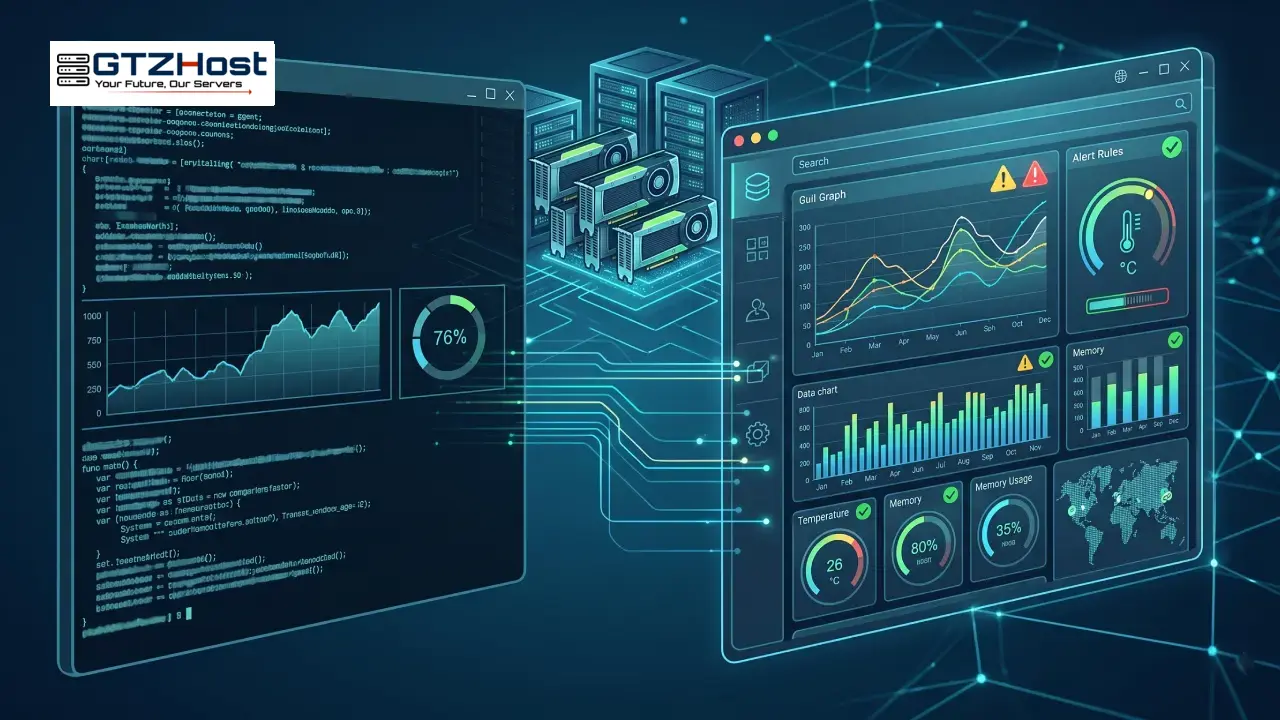
Standard Node Exporter metrics (CPU, RAM, Disk I/O) are insufficient for diagnosing AI/ML workloads. In production environments, identifying thermal throttling, PCIe bandwidth saturation, and VRAM Out-of-Memory (OOM) exceptions requires a specialized telemetry stack.
1. Real-Time Terminal Profiling
For immediate SSH-based triage, nvidia-smi is ubiquitous but static. The superior alternative is nvtop. It provides an ncurses-based interface displaying rolling graphs for compute utilization, memory allocation, and encode/decode load, alongside precise PID attribution.
2. Time-Series Telemetry: DCGM, Prometheus, and Grafana
To conduct post-mortem analysis (e.g., determining why a model training run crashed at 3 AM), ephemeral CLI tools are useless. The industry standard architecture relies on NVIDIA DCGM (Data Center GPU Manager).
DCGM Exporter: Operates as a daemon (often containerized) that queries the NVML/DCGM APIs and exposes hardware health metrics on an HTTP endpoint in Prometheus format.
Prometheus: Scrapes the target and archives the metrics as time-series data, queryable via PromQL.
Grafana: Consumes the PromQL queries to render dashboards and trigger alerts.
Critical Metrics to Expose:
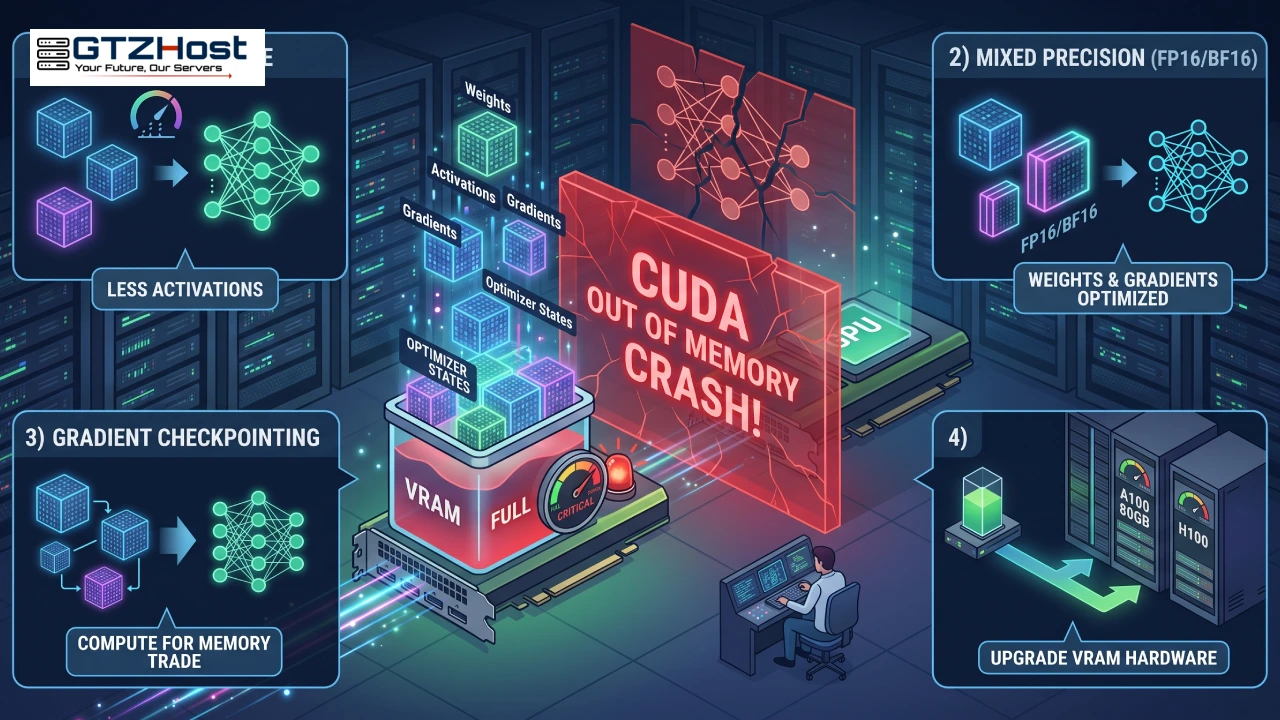
DCGM_FI_DEV_FB_USED: Framebuffer (VRAM) utilization. Hitting the ceiling causes immediate workload failure.DCGM_FI_DEV_GPU_TEMP: Core temperature mapping againstDCGM_FI_DEV_THERMAL_VIOLATIONto detect silent clock-speed throttling.DCGM_FI_DEV_POWER_USAGE: Total power draw, acting as the earliest indicator of workload shifts.
3. Deployment Considerations
Integrating this stack on bare-metal dedicated servers grants full visibility into the hardware layer. Note that when importing public Grafana dashboards for this stack, ensure compatibility with DCGM v3.3+ metric nomenclature to avoid "No Data" rendering errors.